Your name and colour
Friends see your name and colour on your cursor and in the people list of a shared world. Change both in the account menu.
For App · browser and desktop · Updated
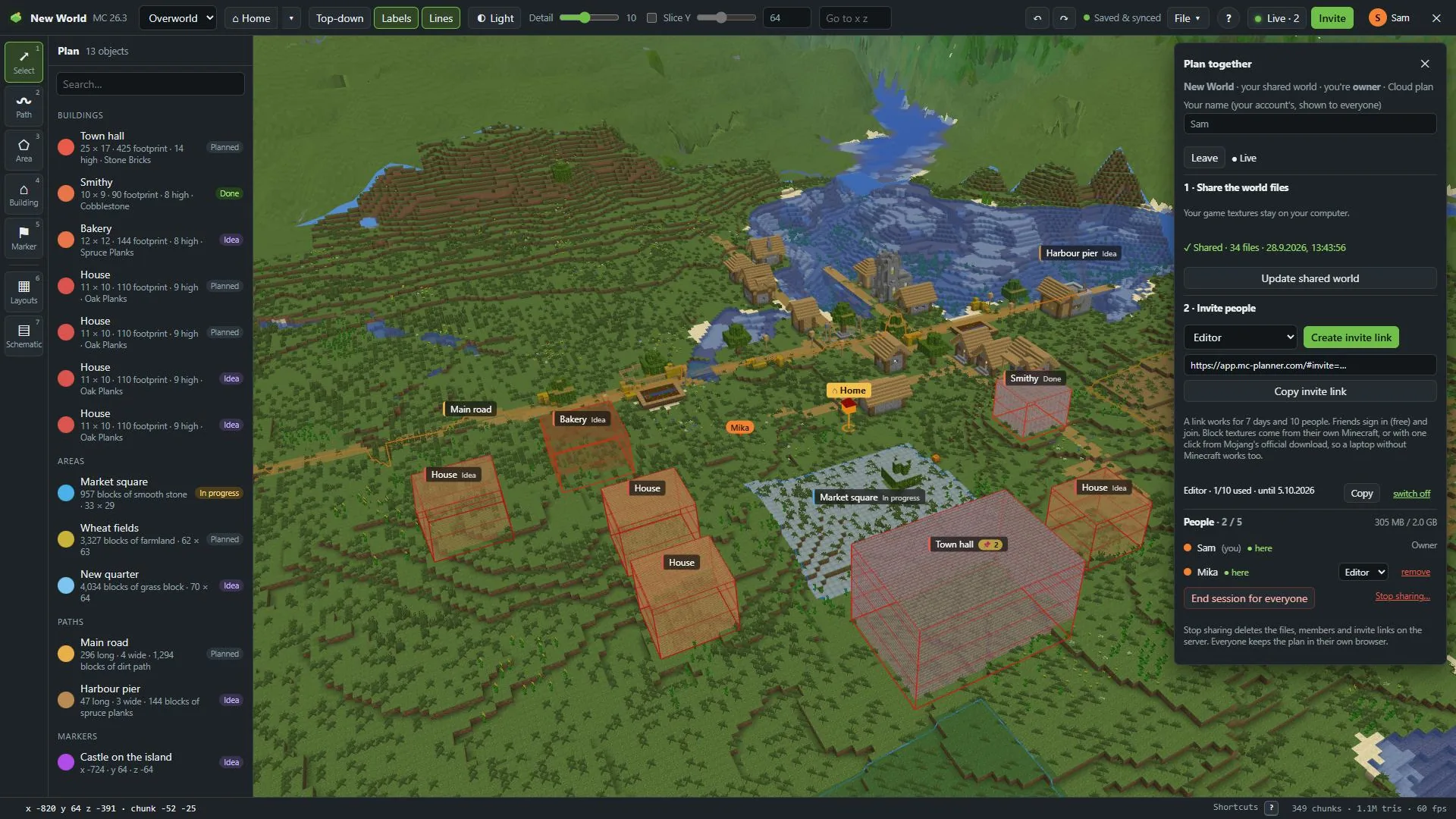
In a shared world, friends see your cursor with a name tag in your colour. Here you change both.
Open the account menu
Click your initial at the top right.
Change your name
Type it under Name (shown to friends). At first it's the part of your email before the @.
Pick a colour
Click one of the colour swatches under your name.
Save
Press Save. "Saved." appears.
One name everywhere
In shared worlds your name is your account's name: on your cursor, in the people list and on everyone else's screen. If you're live, friends see the change right away.
The name field in Collaborate ("Your name (your account's, shown to everyone)") is the same name. Change it there, and your account's name changes too.