MC Planner, in its own window.
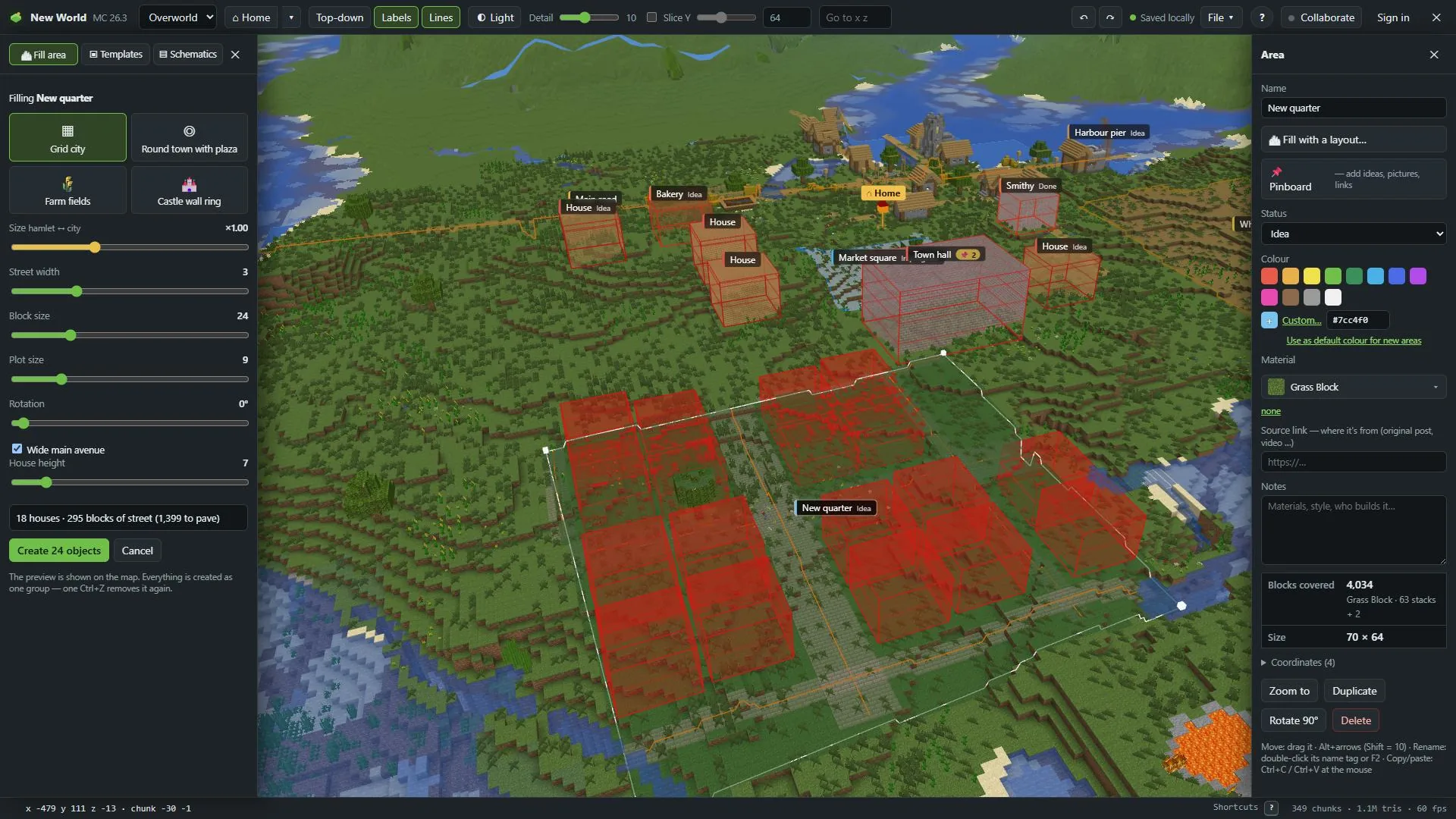
The desktop app finds your worlds and game files by itself, opens them in place and keeps itself up to date. The same planner also runs in your browser.
Version 1.1.0
Windows
Windows 10 or 11
macOS
macOS 11 or newer · Apple silicon and Intel
Linux
AppImage or .deb · Ubuntu 22.04 or newer and similar
Version 1.1.0 · released 9 Nov 2026 · What's new (opens in a new tab)
What the desktop app adds
Finds everything
Your game files and worlds from the official launcher, Modrinth App, Prism, MultiMC and CurseForge.
Opens worlds in place
Straight from your saves folder. No zipping, always the latest save. It only reads your world.
Notices new saves
When Minecraft saves, a banner offers to reload the map. Your view stays where it was.
Plan files on disk
Ctrl+S saves to Documents\MC Planner. Show in folder opens it in Explorer or Finder.
Installing
- Windows: run the setup file. It installs for you only, no admin rights needed.
- Windows may warn about an unknown publisher until the app is signed. Choose More info, then Run anyway.
- macOS: open the .dmg and drag MC Planner to Applications. If macOS says it can't check the app, open System Settings → Privacy & Security and choose Open Anyway (until the app is notarised).
- Linux: make the AppImage executable and run it, or install the .deb.
- The app keeps itself up to date: when a new version is out, it asks whether to install it now or the next time you open it.
Also in your browser
No install, for a quick look or a friend's computer. It's the same planner, so plans, shortcuts and invite links work the same way. The browser can't find your worlds by itself: you drop them in.
Use it in your browserNext: in the game
See your plan inside Minecraft.
The MC Planner mod draws your plan right where you build: paths, areas and buildings in their blocks, schematics as ghost blocks.
Free for everybody · Every feature · No subscription needed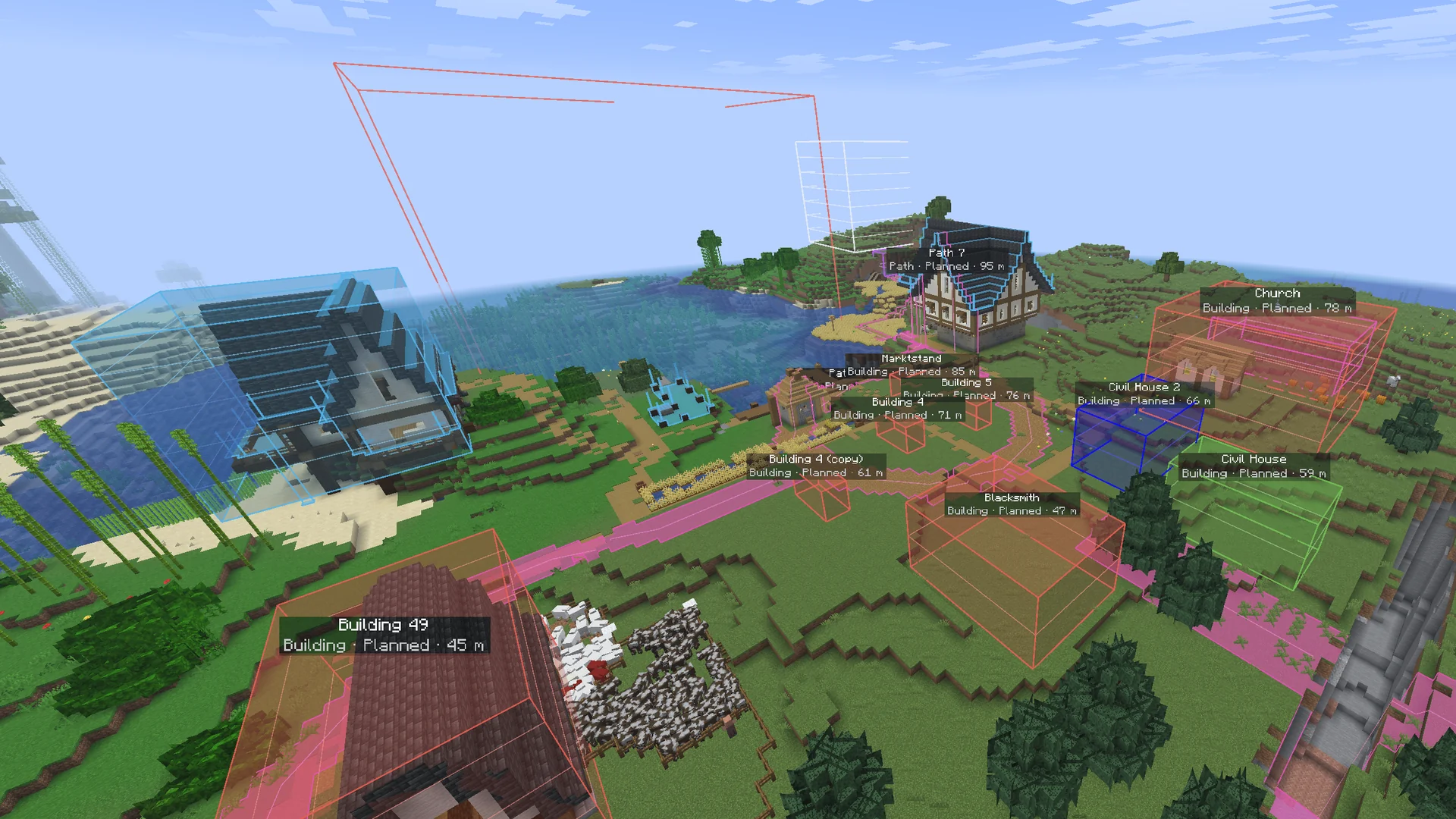
Plan your next town
Get the app, open your world and draw the first path. Then build it with your friends, in the app and in the game.