Free
Plan alone
€0
- Every planning feature, forever
- In your browser and the desktop app
- No account
- Join friends' shared worlds
- Try Cloud free for 7 days
Free to plan alone · Runs in your browser · Java Edition
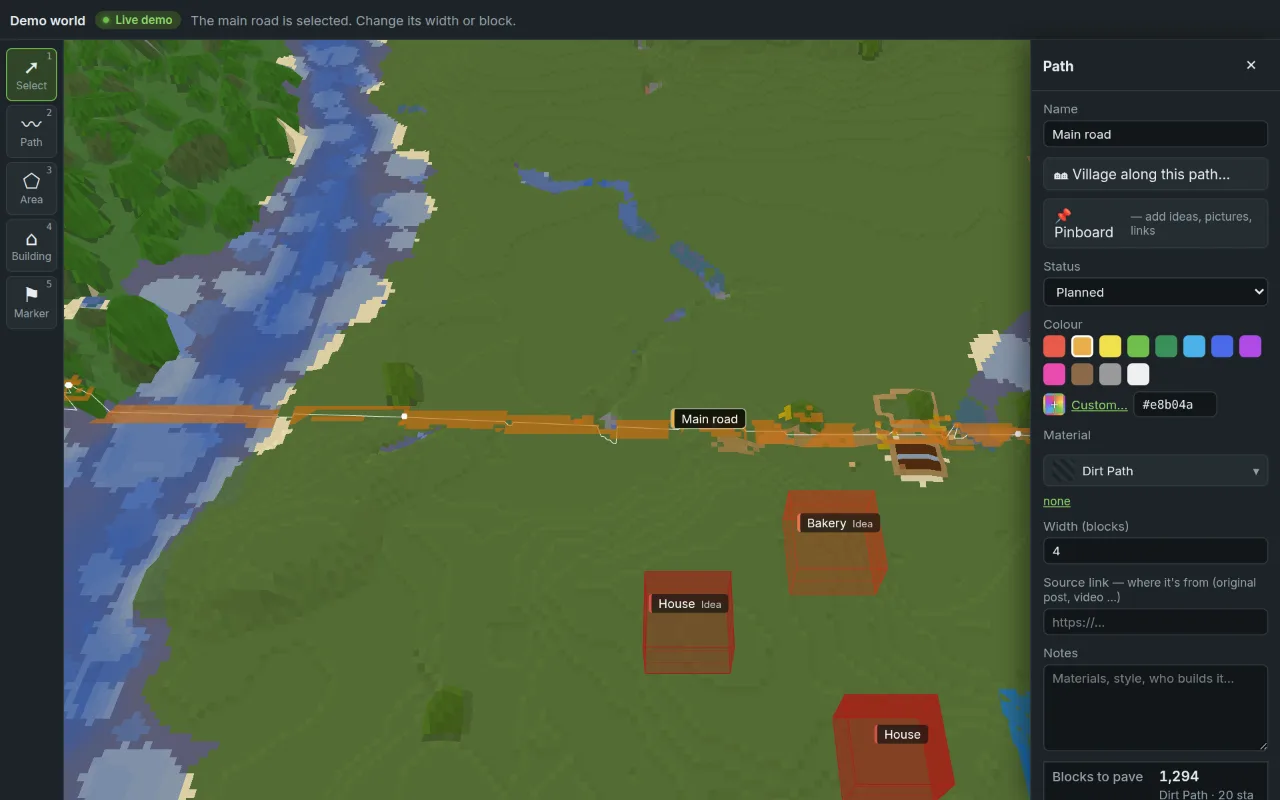
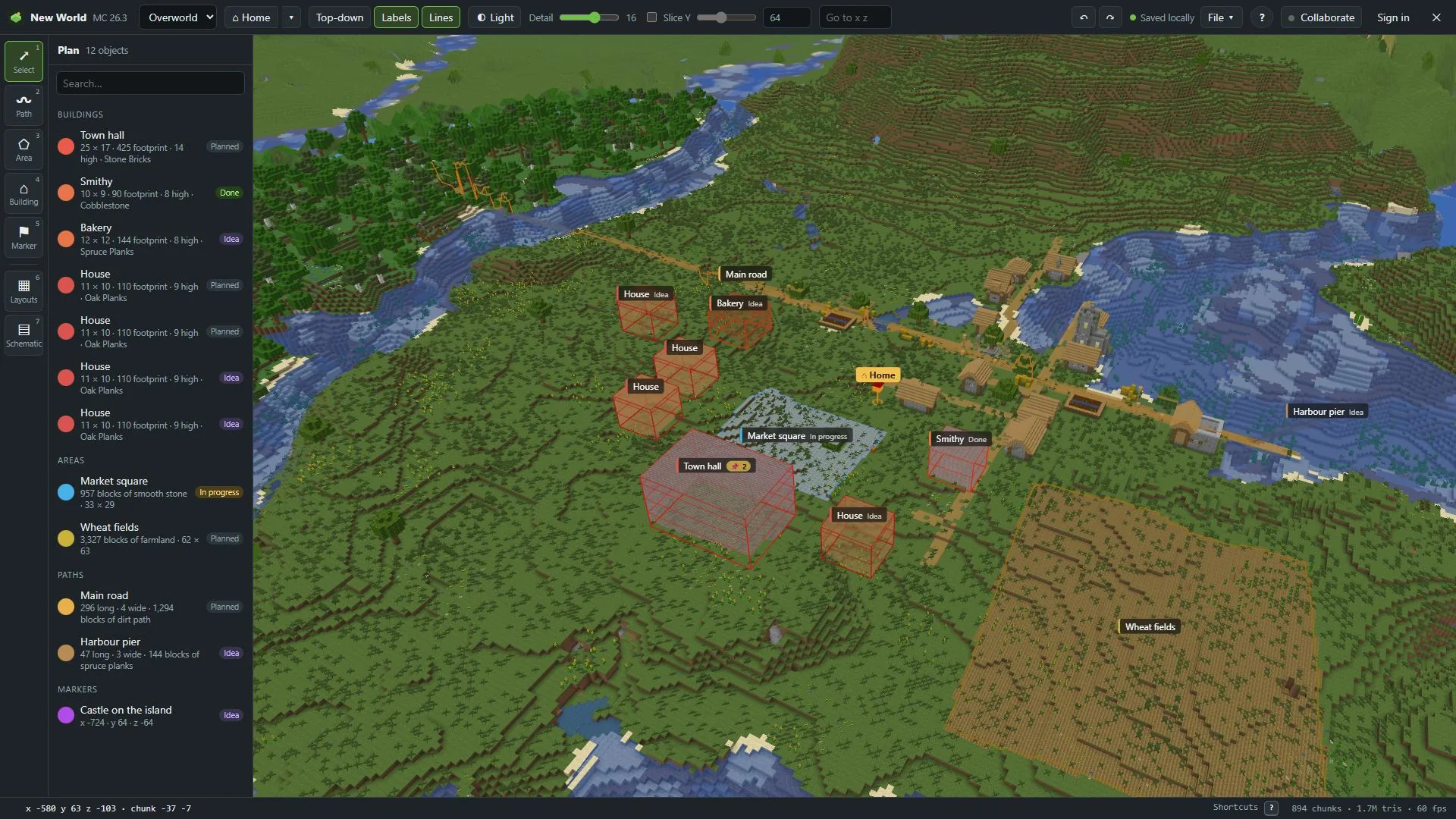
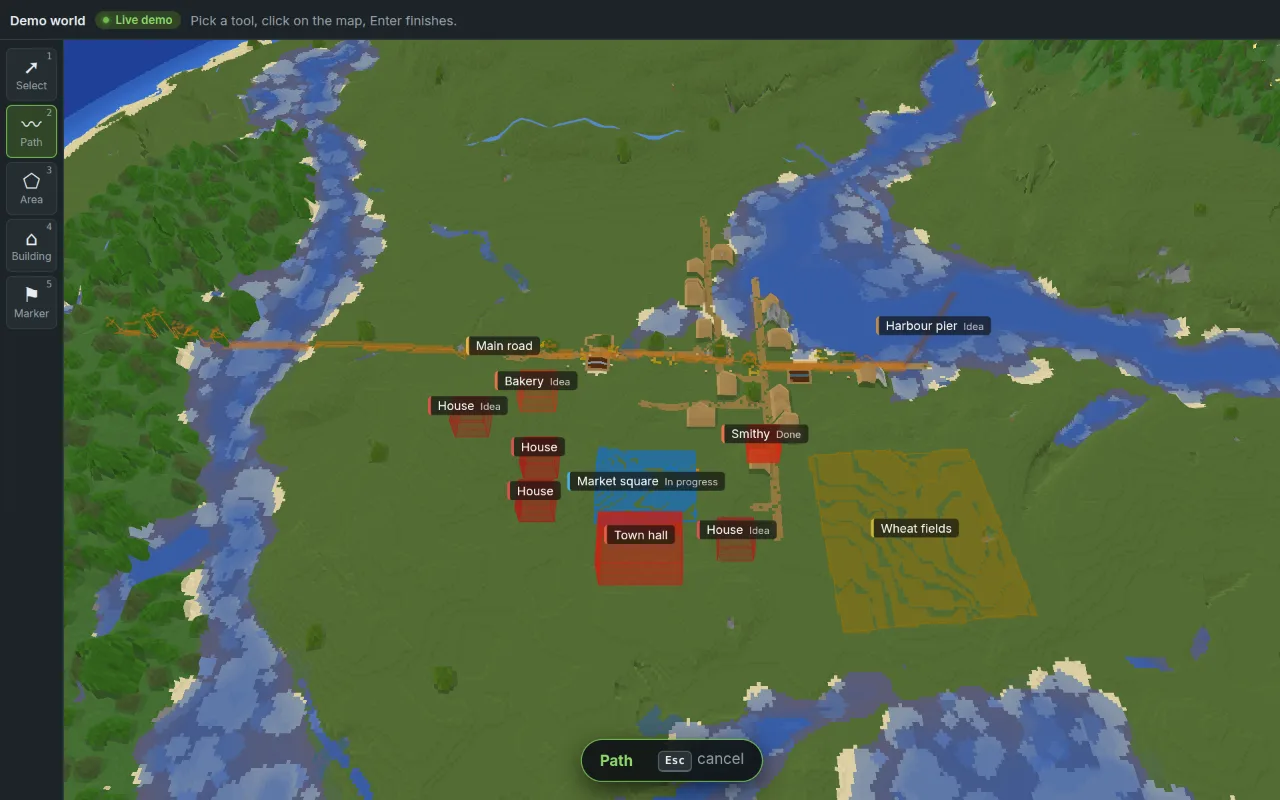
MC Planner opens your Minecraft Java world in 3D with your own textures. Draw paths, areas and buildings right on the terrain, count every block, and plan it live with your friends.
Free to plan alone · No account · Runs in your browser
Needs Minecraft: Java Edition on your computer. MC Planner reads the textures from your own game files.
One plan, on your world
X 128 · Z −64MC Planner reads block textures from your own Minecraft: Java Edition game file (the client .jar). Nothing from Mojang is bundled. Your browser remembers it.
%APPDATA%\.minecraft\versions\26.2\26.2.jarA .zip of a world from your saves folder, or the folder itself. Modded worlds work too. MC Planner only reads your world. It never changes it.
Draw, count, and share an invite link. Friends join free.
The demo above shows the world in map colours. These are screenshots of MC Planner on the same world, with the game's own textures.
Every planning feature is free, with no account. Sharing a world with friends needs our servers, so that part is paid. The person who shares pays. Friends join free.
Plan alone
€0
Plan with friends
€4.99/ month
Pay once
€199.99once
Bigger group? Team hosts 10 worlds with up to 50 people each. Compare all plans →
Your friends join free · Cancel any time · 14-day refund on your first payment · Prices include VAT
Payments, receipts and refunds by Stripe (“Sold through Link”). Sign-up and payment happen in the app, when you share a world for the first time.
The same MC Planner in its own window. It finds your worlds and game files by itself and opens worlds straight from your saves folder.
Windows 10 or 11
macOS 10.15 or newer · Apple silicon and Intel
AppImage or .deb · Ubuntu 22.04 or newer and similar
The first release is almost ready.
Download page →Or use it in your browser. Nothing to install.
No account to plan alone. Plans save in your browser, and File → Save keeps .mcplan files with versions.
Your world stays on your computer until you share it. Sharing uploads the world files and a colour map, never your game's textures.
Schematic files you import stay in your browser and are never uploaded.
MC Planner only reads your world. It never changes your save.
Planning alone is free, forever. No ads.
Planning alone is free, with every feature and no account. Planning together needs a plan for the host: Cloud, Team or Lifetime. Friends join free.
Minecraft: Java Edition. It's built for 26.2 and also reads worlds from 1.18 to 1.21, including modded worlds and modded dimensions. Bedrock Edition isn't supported.
Yes. MC Planner reads block textures and models from your own Java Edition game file. Nothing from Mojang is bundled with MC Planner.
No. MC Planner only reads your world. Your plans are stored separately.
Only if you share it. On your own, everything stays in your browser. When you share, the world files and a colour map are uploaded to our server so friends can open it with a link. Your game's textures are never uploaded.
The invite link, a free account and a desktop browser. They see your world with their own textures, or in map colours, and plan with you live.
Yes: .litematic, .schem, .schematic and .nbt. Imported files stay in your browser and are never uploaded. Friends see a box with the link to the original until they import the same file.
MC Planner needs a desktop or laptop browser. It uses 3D graphics, keyboard shortcuts and your game files.
It's coming for Windows, macOS and Linux, and it will find your worlds and game files by itself. Join the Discord to hear first.
No. MC Planner is an independent tool by Lab43. Not an official Minecraft product. Not approved by or associated with Mojang or Microsoft.
Open your world, draw the first path, and send the link to your friends.